
Real-Time Vitals
Monitor blood pressure, pulse, and glucose levels instantly


The Jiva Pulse Dashboard gives you instant visibility into what matters most—your vital signs, medications, nutrition, and progress—all on one screen.
Monitor blood pressure, pulse, and glucose levels instantly
Never miss a dose with today's scheduled medications
Track your meals and nutritional intake throughout the day
See recent changes and patterns in your health data
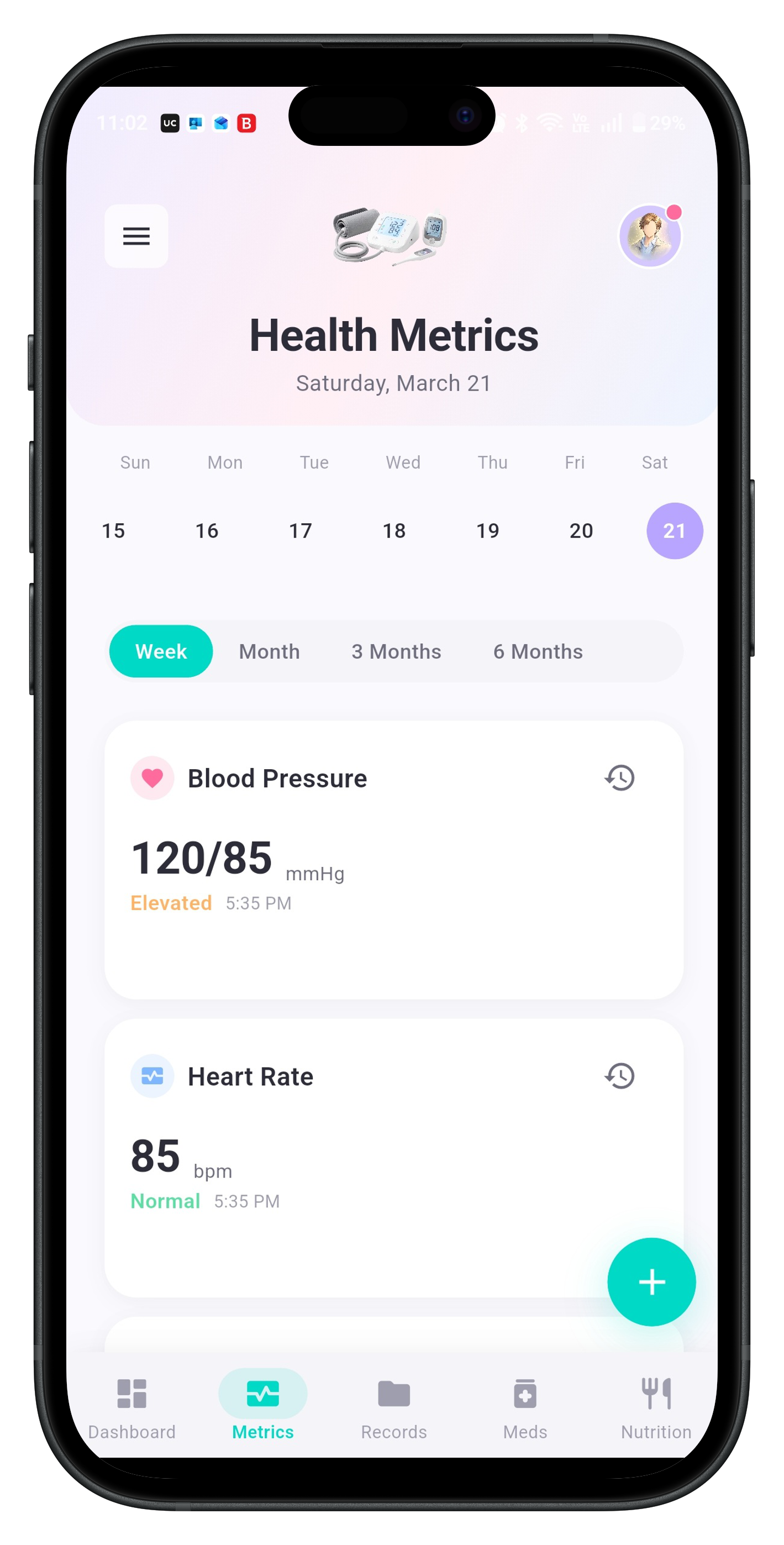
The Dashboard displays your most recent vital measurements in a clear, easy-to-read format. Blood pressure, pulse rate, and glucose levels appear prominently at the top of your screen, updated each time you log new readings.
Readings outside normal ranges are highlighted so you can take action immediately. Simply tap any vital to view your historical trends and track progress over time.
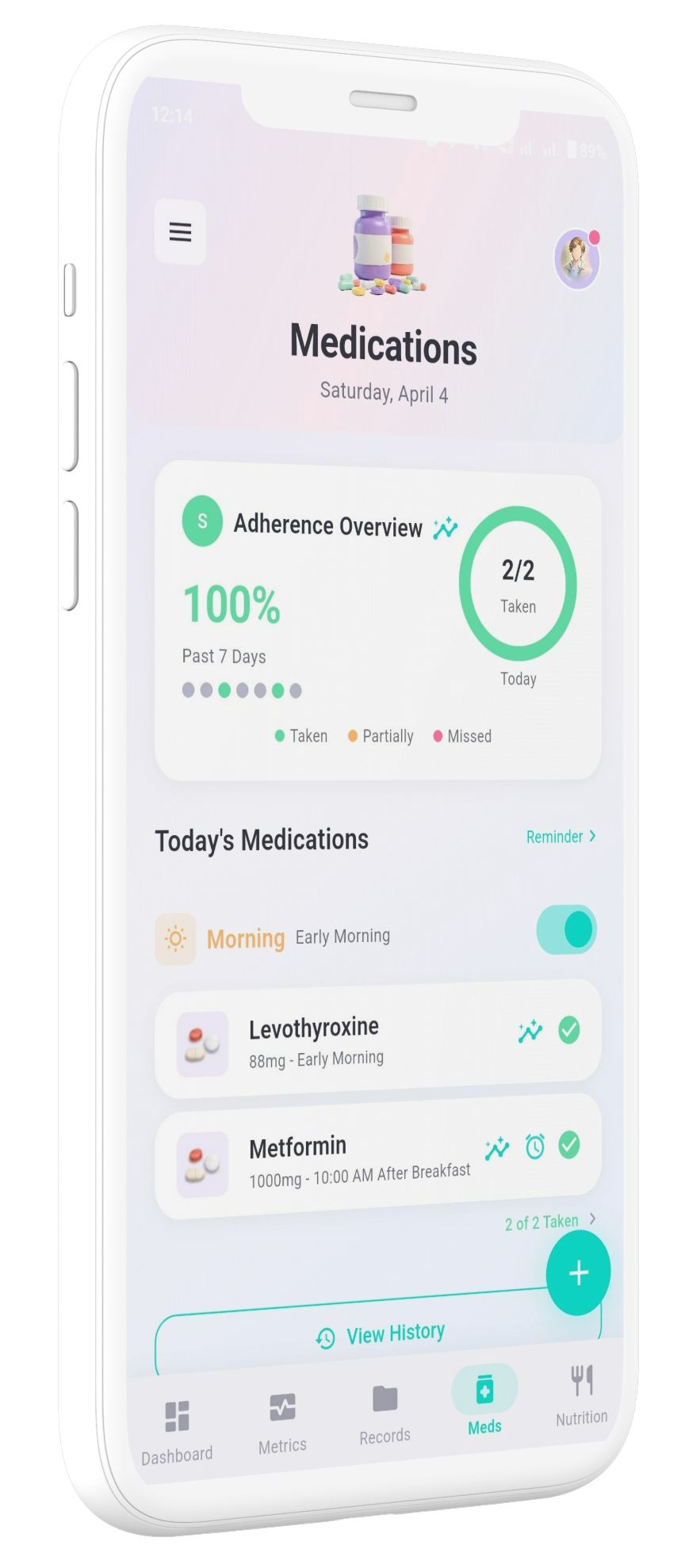
Your medication schedule appears automatically each morning, organized by time of day. The system tracks which pills you've taken and which remain due.
Set custom alerts to receive notifications at the perfect time. Mark medications as taken directly from the Dashboard for quick progress tracking.
View total calories, macronutrients, and key vitamins consumed today
Add breakfast, lunch, dinner, and snacks with nutritional breakdowns
Watch your progress toward daily nutritional targets throughout the day
The Dashboard includes shortcut buttons that let you log new entries without navigating away from your main screen. Add vitals, log a meal, or mark a medication as taken with just one tap.
Record blood pressure, pulse, or glucose instantly
Quickly add your current meal or snack
Update your medication status in seconds
Small trend arrows next to your vital signs reveal whether measurements are improving, declining, or staying steady. These indicators compare your latest readings to recent averages, giving you immediate feedback on your health trajectory.
Green upward arrows indicate improvement, while downward arrows prompt you to review your habits or consult your healthcare provider.
This simple visual system helps you stay informed about your health direction.
Launch Jiva Pulse from your home screen
See what medications are due today
Scan your latest readings at a glance
Add new data if needed
The Dashboard is optimized for fast review, allowing you to assess your current health status within seconds. No scrolling through multiple screens—everything you need appears immediately when you open the app.
When you first open Jiva Pulse, the Dashboard guides you through setting up your vital signs, medication schedule, and nutritional goals. Within minutes, you'll have a personalized health control panel ready to use.
Install from your app store
Add your health information
Start tracking today