
Vitals & Metrics
- Blood pressure tracking
- Pulse rate monitoring
- Blood glucose levels
- Oxygen saturation
- Weight and BMI
- Time-stamped entries with historical trend charts

A privacy-focused, AI-enabled, offline-first mobile health application that keeps your personal health data secure and accessible on your own device.
Inspired by the Sanskrit word "Jiva" meaning life essence, and "Pulse" representing vital rhythms, this app brings together structured health tracking with intelligent on-device processing.
Track vital signs, manage medications, store medical records, log nutrition, and gain health insights — all without your data ever leaving your device. Jiva Pulse is built for people who value privacy as much as their health.
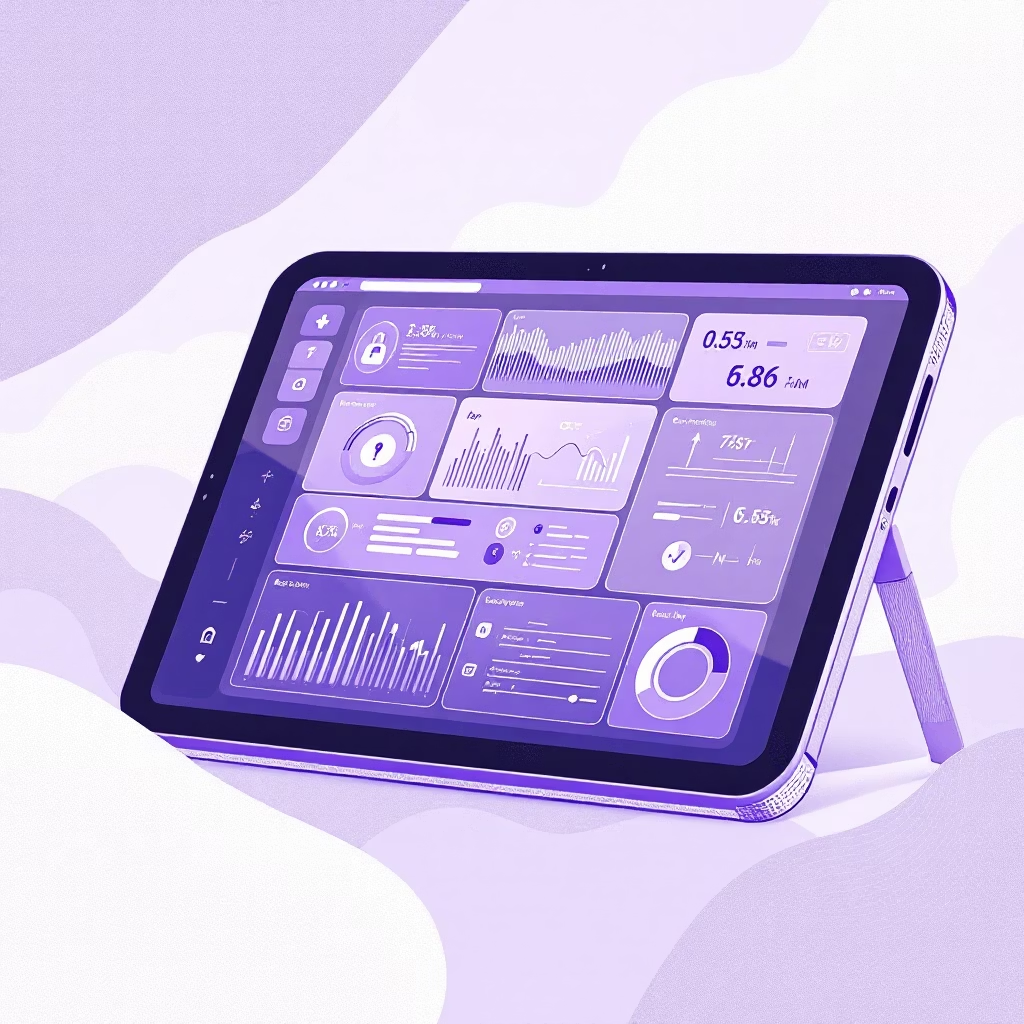
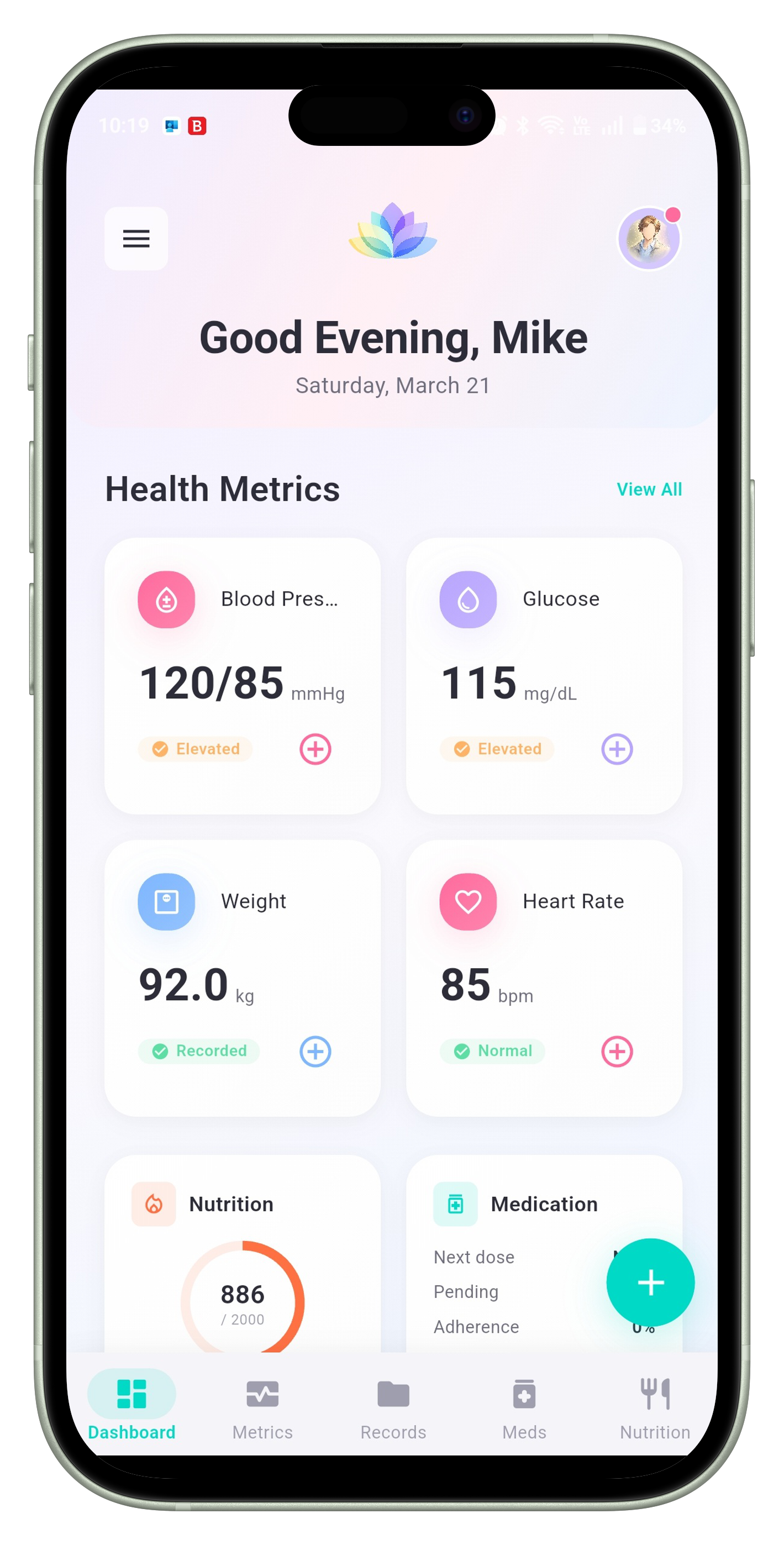
Your central control panel provides a consolidated view of health data in an easy-to-interpret format.
Blood pressure, pulse, and glucose readings at a glance
Today's scheduled doses and adherence tracking
Daily intake and macro nutrient patterns
Recent changes and historical patterns
Structured recording and intelligent tracking of all your vital health metrics.
All user data is stored exclusively on your device. No cloud backend, no transmission of personal health information to external servers.
Every feature, including AI-based scores and analytics, functions locally. Complete access regardless of internet connectivity.
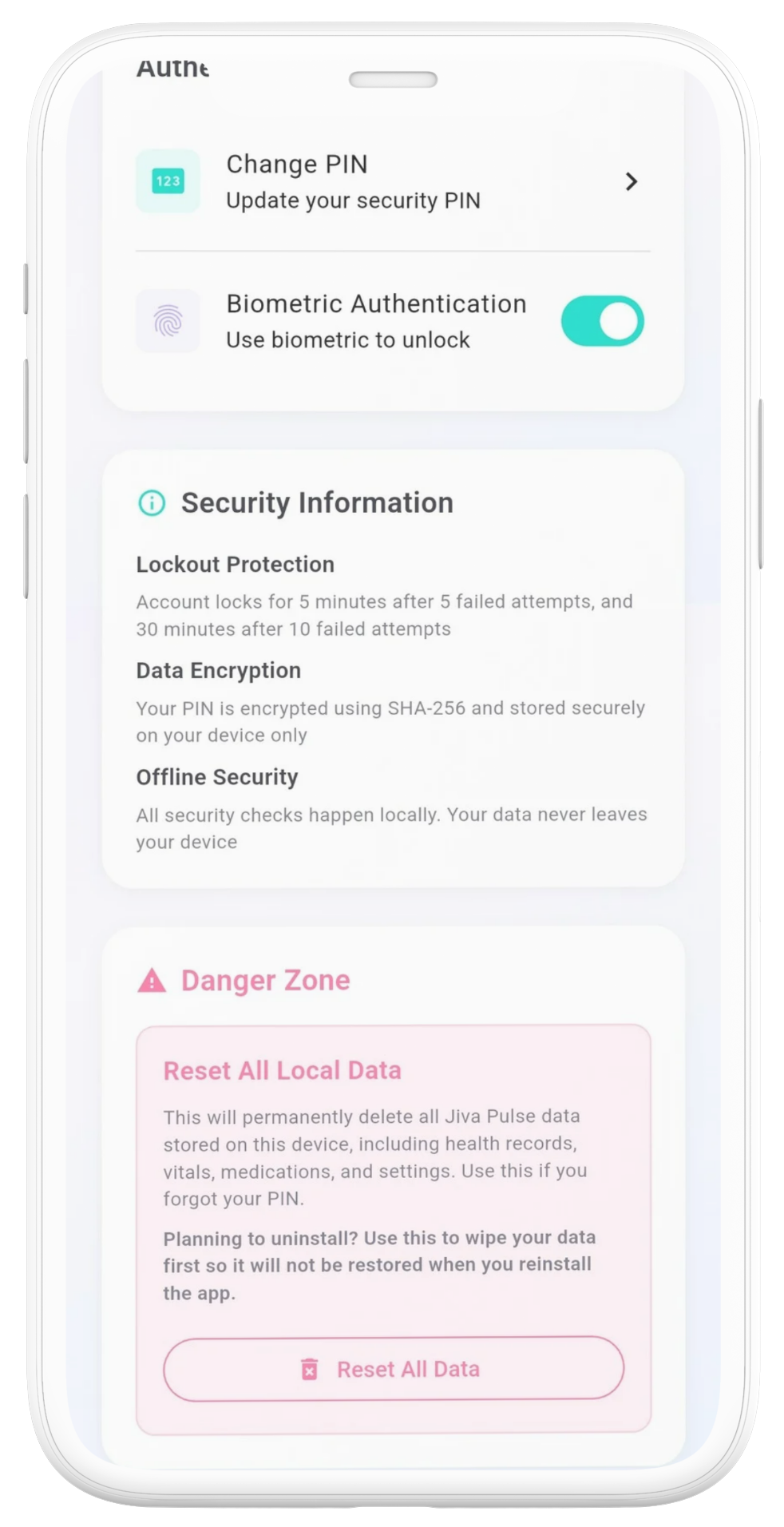
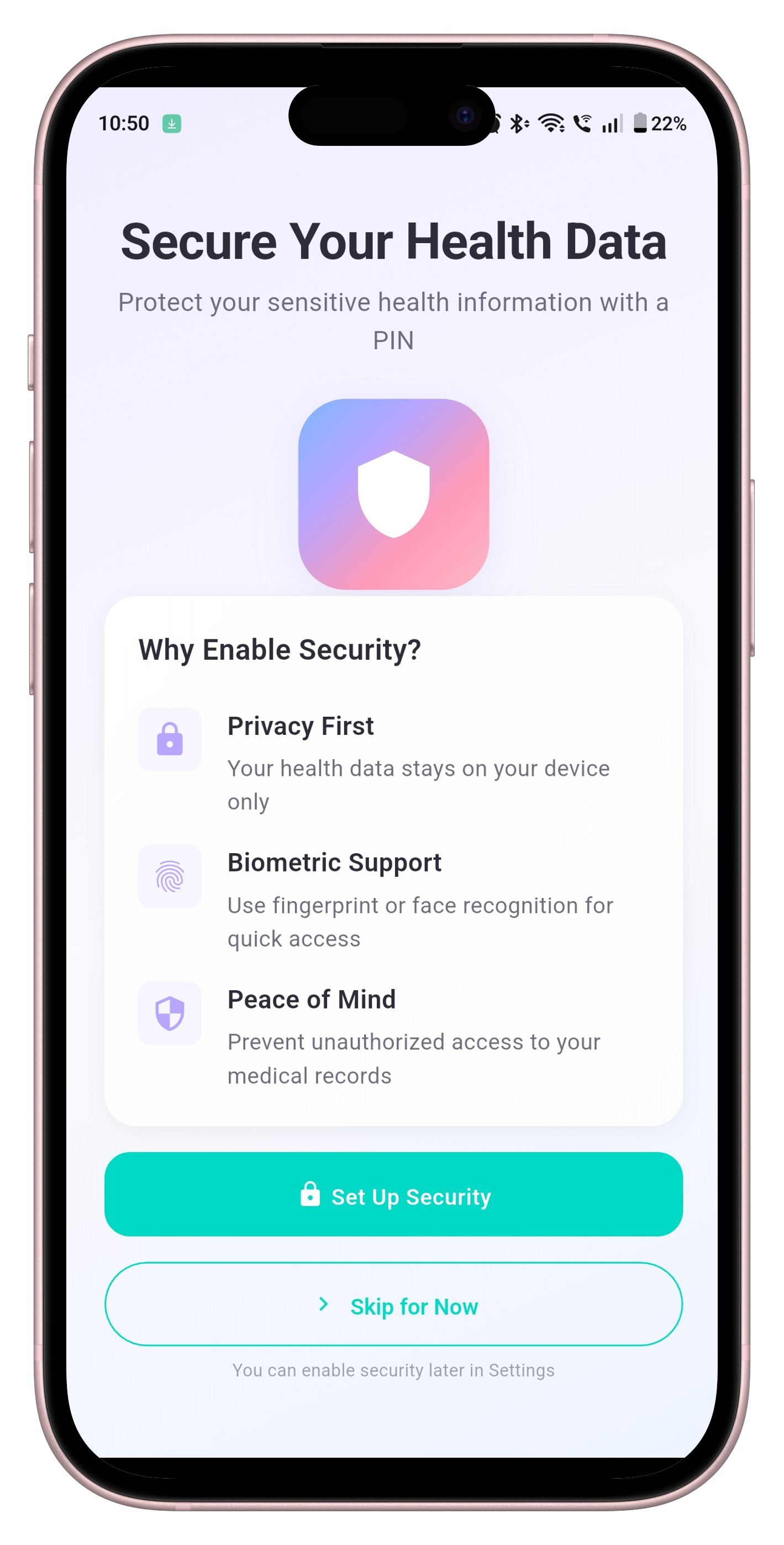
Layered security controls including strong local encryption, secure storage, and biometric authentication prevent unauthorized access.
Clean interfaces with structured dashboards, visual trends, and organized records for easy review and long-term tracking.
Jiva Pulse does not provide diagnoses, treatment guidance, or clinical recommendations. It is a structured tool for recording and organizing your health data.
No external servers or cloud infrastructure. All processing happens on your device, ensuring privacy and local care of your health data.
No usernames, passwords, or account creation required. Your health data belongs to you, not to a service provider.
Biometric validation handled by your device's secure hardware layer. Your identity stays protected without reliance on external authentication services.
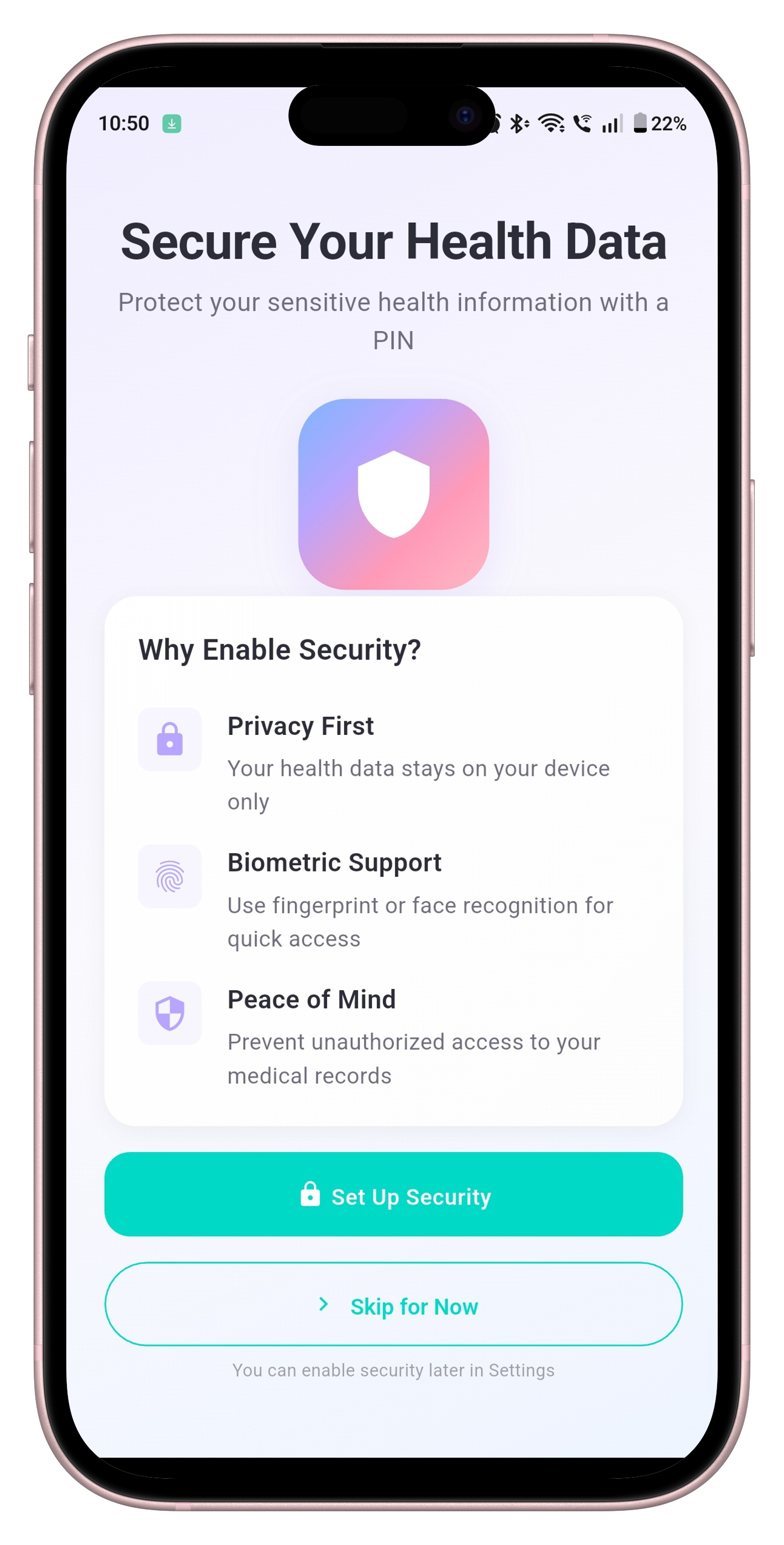
All health information remains encrypted and stored exclusively on your device. No automatic cloud synchronization.
Get started with Jiva Pulse in minutes. No account creation, email registration, or phone number verification required.
Install from App Store or Google Play. Grant basic permissions for camera and local storage access.
Set your measurements and currency, height, weight(s), configure blood pressure and pulse ranges, add medications.
Configure authentication using fingerprint or facial recognition. Create secure backup passphrase and optional auto-lock settings.